Grok Logo

Grok for Mac

Stop Tab Switching. Start Groking.

The web browser is for browsing. Grok for Mac is for building. Experience xAI's powerful models wrapped in a native, lightning-fast macOS application that lives one keystroke away.

Version 1.0.81 • macOS 13.0+ • 3.3 MB • Universal Binary (Apple Silicon & Intel)

✨ NEW: GROK CODE AGENT

A True Coding Assistant. Not Just a Chat Window.

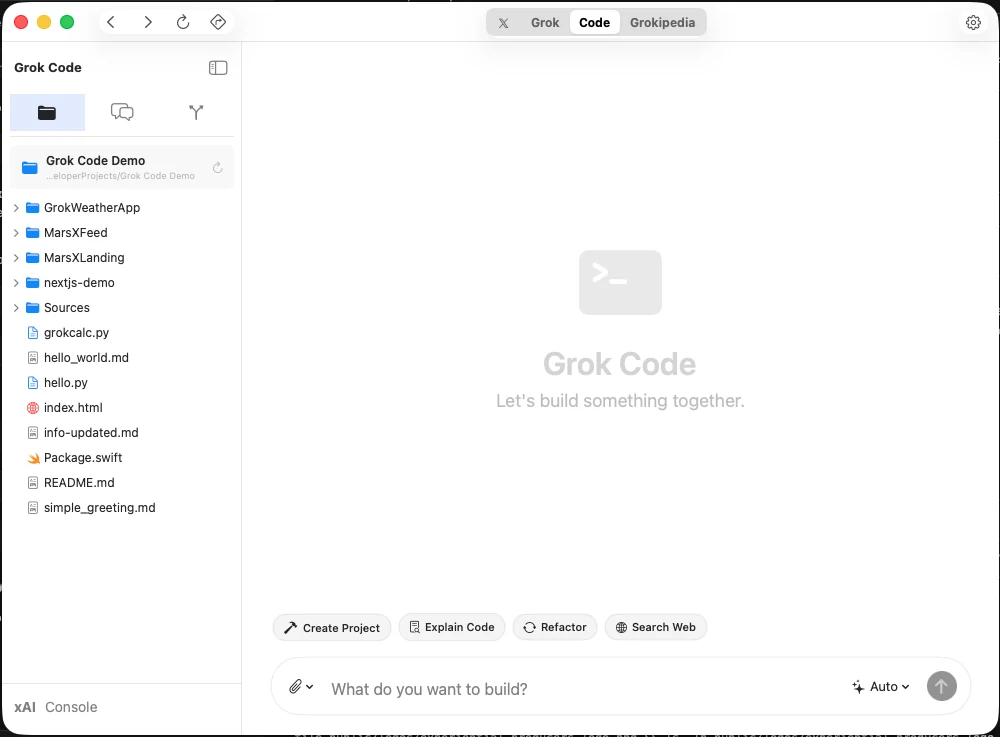
Grok Code has direct access to your codebase. It can read from and write to your files, understand your project structure, and execute changes autonomously—just like having a senior developer working alongside you.

This is a capability you cannot get in the browser. By running natively on your Mac, Grok becomes a true development partner with the ability to modify your actual project files, not just suggest code snippets you have to copy-paste.

📖

Read Your Codebase

Grok understands your existing code. It reads your files, analyzes your project structure, and learns your patterns before making any suggestions.

✍️

Write & Edit Files

Create new files from scratch or refactor existing code. Grok writes directly to your file system—no more copying snippets from a chat window.

Execute & Iterate

Run commands, interact with Git, and iterate on changes. Grok works in your actual development environment, not a sandboxed preview.

Example: "Create a new React component called UserProfile with TypeScript, add it to the components folder, update the index exports, and add the necessary props interface." — Grok Code will create the files, write the code, and make all the necessary changes across your project.

🔐 Powered by your xAI API key • Full local file system access • Your code never leaves your machine

Why Native?

⚡️

Global Hotkey

Press Option+Space to summon Grok instantly from anywhere.

📍

Menu Bar

Lives quietly in your menu bar, ready when you need it.

🔒

Secure & Private

Your API Key, stored securely in your Keychain.

Native UI

Fluid animations, glassmorphism, and feels at home on your Mac.

Four Powerful Modes. One Seamless Experience.

Grok for Mac gives you four specialized AI modes in one native app—X, Grok, Code, and Grokipedia. Seamlessly transfer copied text between modes to execute local actions like saving files, cloning GitHub repos, and more.

🐦

X Mode

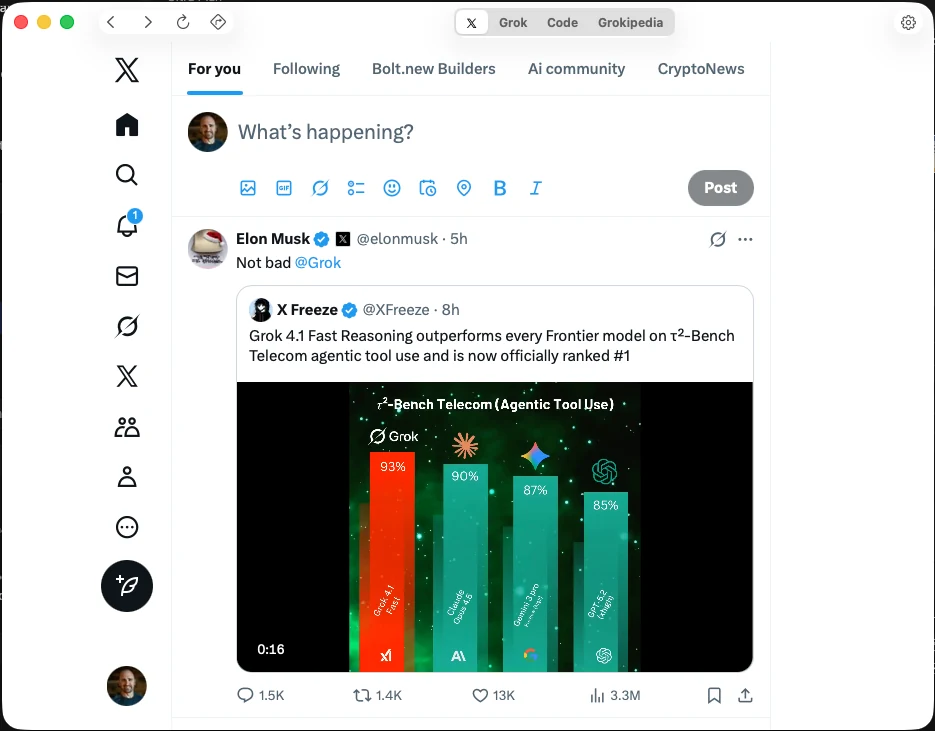
Access real-time insights and data directly from X (Twitter). Stay connected to live conversations and trending topics.

💬

Grok Mode

Your conversational AI assistant. Ask questions, brainstorm ideas, and get intelligent responses powered by xAI's latest models.

Code Mode

The game-changer. Direct file system access means Grok can read, write, and execute code in your actual development environment. Copy text from any mode and paste into Code to execute local actions.

📚

Grokipedia Mode

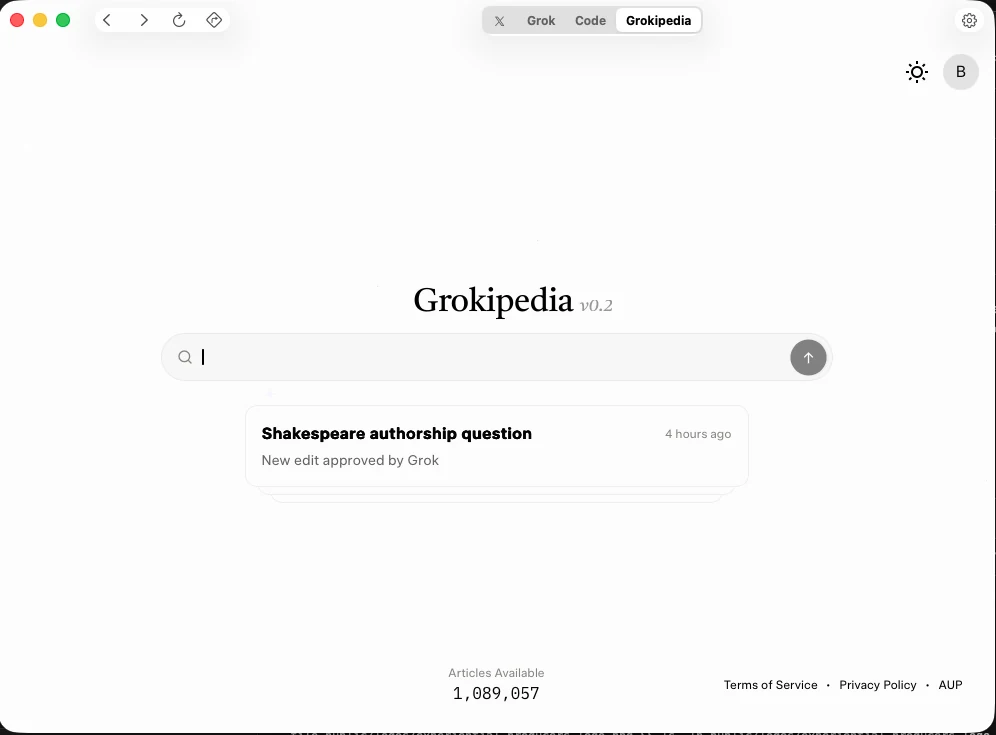
Your personal encyclopedia. Instant access to knowledge, facts, and information—like having Wikipedia powered by AI.

💡 Pro Tip: Copy code snippets from Grok Mode, switch to Code Mode, and execute local actions likegit clone,npm install, or save files directly to your project.

🔍

Spotlight Search

Route queries directly to specific agents (Chat vs. Code) from a global search bar.

💬

Multi-Mode Power

Chat, Console for quick queries, Grokipedia for knowledge, and X Scraper for live data.

⌨️

Developer-First

Syntax highlighting, code block copying, and a Console view for power users.

🎤

Voice Input

Use your microphone for hands-free interaction.

🌙

Dark Mode

Follows your system appearance automatically.

🔒

Session Persistence

Stay logged in between app launches.

See It In Action

Grok Code Agent Interface

Grok Code

Autonomous coding assistant with file system access. Read, write, and execute code directly in your development environment.

Grokipedia Knowledge Interface

Grokipedia

Instant access to knowledge and information. Your personal encyclopedia powered by Grok.

X Platform Integration

X Platform Integration

Native X (Twitter) integration. Access real-time insights and data directly from the platform.

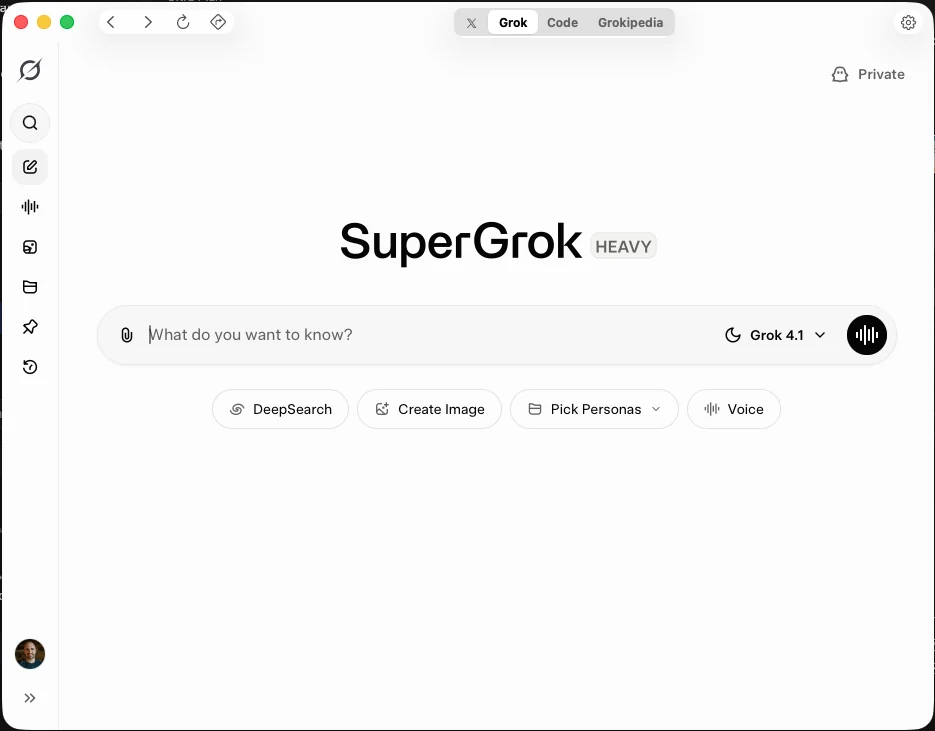
SuperGrok Interface

SuperGrok

Enhanced Grok capabilities for power users. Advanced features and extended functionality.

How to Use

Apple notarized and ready to go. No setup required.

Simple Installation

Grok is fully notarized by Apple. Just download, drag to Applications, and launch—no security workarounds needed.

⬇️

Download

Click the button above

📁

Drag

Move to Applications

🚀

Launch

Double-click and start

macOS 13.0+ required

Works on both Apple Silicon and Intel Macs

Open Source

This app is completely free and open source. View the code, contribute improvements, or learn how it's built.

View Source on GitHub

MIT Licensed • Contributions Welcome

A Note from the Developer: This app is a labor of love, built to unleash the full potential of xAI's models. It's Open Source and constantly evolving—we recently shipped an auto-update engine. Use the "Feedback" button to help shape the roadmap. Lots of hard work has gone into making this the best AI experience on Mac, and we're just getting started.

🔓 Open Source & Transparent👨‍💻 Built by developers, for developers🚀 Active Roadmap

Built by Brandon Charleson (@b_charleson)

This is an unofficial app. Grok is a product of xAI.